Before your next Premium Pass renewal, check the rewards you have not claimed yet. It is easy to get caught up in whether September's promo looks good and overlook a completed mission or a shop item you still want.
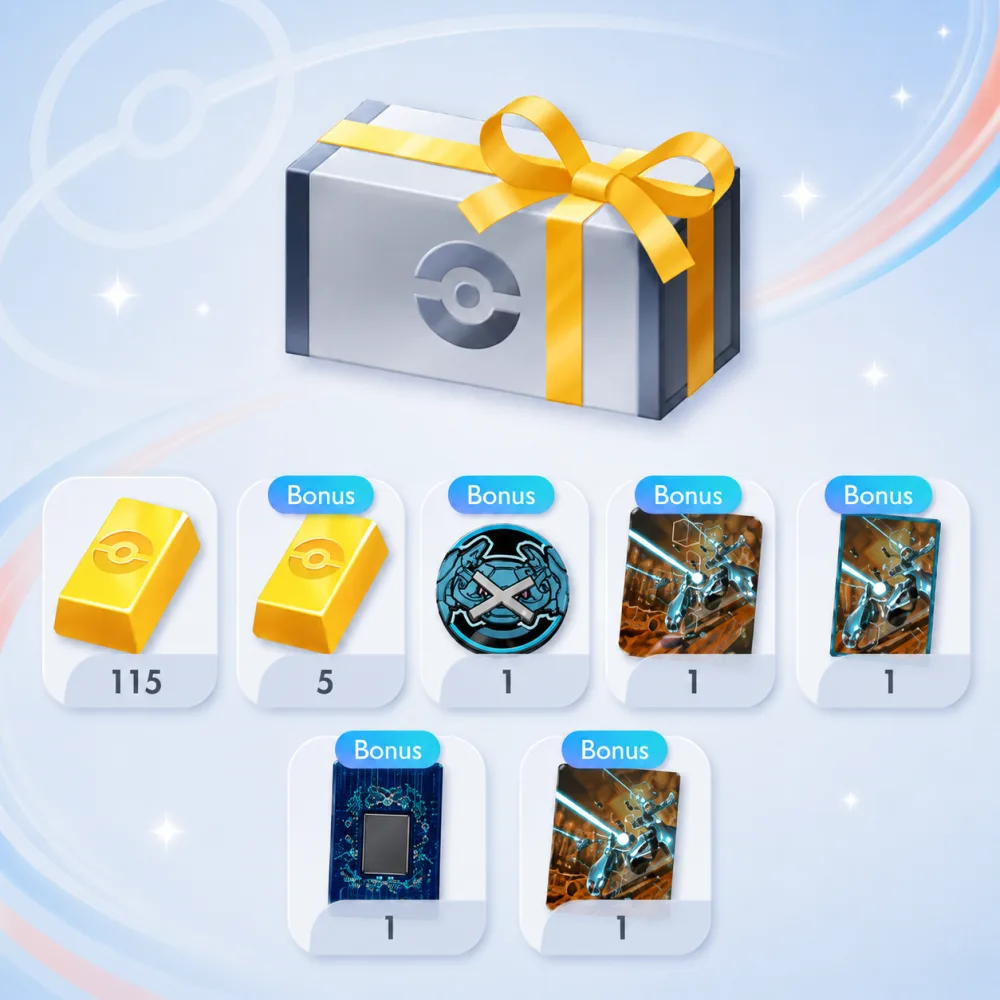
Subscribing does not automatically deliver promo cards or accessories; collect rewards from completed premium missions under Home > Missions > Premium. For items offered in the Premium shop, spend the premium tickets earned from premium missions at Shop > Limited Time / Events > Premium. Look at the actual rewards and requirements in those screens instead of assuming that everything comes with the subscription automatically.
Premium missions and shop updates follow schedules separate from your subscription renewal, so check their current dates and times in the game. Your next payment date is not a reliable deadline for finishing those missions or buying a particular shop item. Check your subscription status and expiration date in the mobile app store where you bought the pass, not in the game. Keep those dates separate when deciding what you still have time to collect.
What would you be paying for next month?
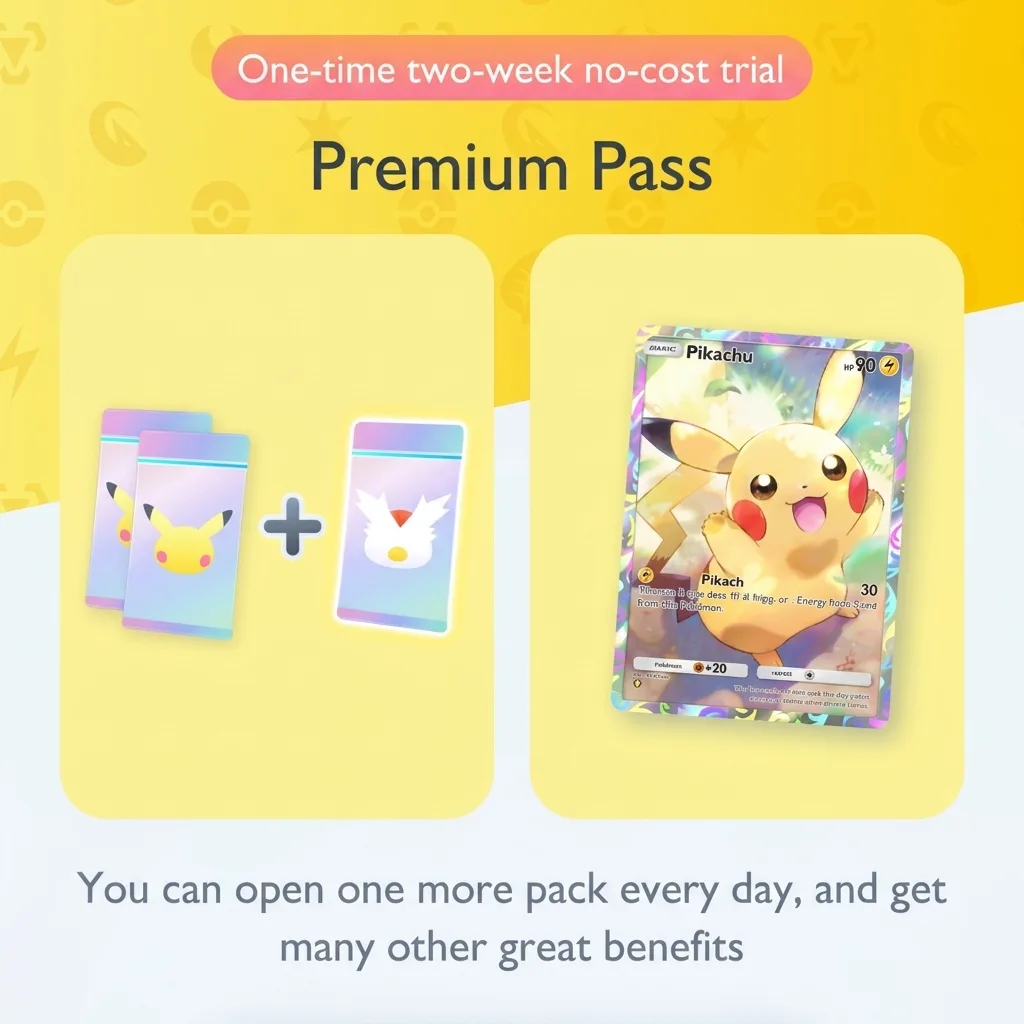
Premium Pass is a monthly paid subscription, with its current benefits listed on the in-game Premium Pass screen. It lets you open an additional booster pack every 24 hours and gives you access to premium missions. When the promo is not appealing, think about how much you have enjoyed using those other benefits during the subscription you already have.
If opening the extra pack is a part of the game you look forward to, that enjoyment can justify renewing at a price you are comfortable paying. You do not have to like every promo to enjoy the subscription. But judge the purchase by the experience of opening more packs, rather than by the specific rare card you hope the next pack will contain. Would you still be happy to pay if your most-wanted card did not appear?
If you subscribed mainly for artwork, look through the current promo and accessories before committing to another payment. Liking a particular card is a perfectly reasonable reason to subscribe; maintaining a complete promo collection is also a personal preference. Neither requires you to pretend that you like this month's reward. If none of the available items interests you and extra packs are not something you want to pay for, you can let the subscription end.
In September's Reddit discussions, some players said disappointing promo artwork had made them cancel, while others still valued the extra packs. Those are individual reactions, not a verdict you need to follow. Someone who enjoys collecting unfamiliar cards may get something different from opening a pack than someone waiting for a specific addition to a finished deck.
Use the renewal amount shown for your own subscription when making the comparison. Then consider how often you expect to play during the next paid period. If you have barely been opening the game lately, buying more time to use Premium Pass may simply repeat a month you did not enjoy. If you are actively collecting and happy with the cost, renewing for the packs remains a reasonable choice even without enthusiasm for the promo.
How to cancel the next payment
Turning off automatic renewal leaves your Premium Pass benefits active until the current subscription period expires. You can therefore cancel the next payment and continue using the pass during the time that remains. Under the game's cancellation policy, unused subscription time is not refunded or credited. Canceling is a way to stop another renewal, not to recover part of the payment already made.
Pokémon's instructions say to cancel automatic renewal at least 24 hours before the current validity period ends. Use the store account that purchased the subscription:
- For an Apple subscription, open Settings > Apple Account > Subscriptions, select your Pokémon TCG Pocket subscription, and choose Cancel Subscription; the display can vary with your operating system version.
- For a Google Play subscription, open your Google account's Payments and subscriptions > Subscriptions in Google Play, select Pokémon TCG Pocket, and cancel the subscription from its management screen.
Deleting the game does not cancel Premium Pass, so automatic payments continue unless you cancel the subscription itself. After canceling, check the subscription listing for the date your current access ends.
Premium tickets you have already obtained and items you have exchanged them for remain usable after cancellation. That does not give a particular shop item an unlimited exchange period: if you want something currently on offer, check its in-game deadline and requirements while planning your remaining rewards.
FlashMunk currently advertises up to 31% off Pokémon TCG Pocket top-ups and offers multiple secure payment methods plus 24/7 customer support. Check the current offer and Nintendo Account requirements before ordering; Premium Pass renewal remains a separate app-store subscription.